When your application gets too complicated, getting too many Views to navigate.
It is simpler to route the Views in a single JSON file.
This can also be applied from a JSON file, or from JSON API response.
The idea is based on these points :
- The buttons visibility is based on JSON API response, which is supposed to be dynamically set by the ACL / RBAC on the backend.
- The route of the buttons is mapped by an ID
- The ID is representing a View
Ok, now let’s go the code.
First, you have to create an enum that represents your view
enum AbenkRouting: Int, CaseIterable {
    case view1
    case view2

    var destination: AnyView {
         switch self {
         case .view1: return AnyView(View1())
         case .view2: return AnyView(View2())

         }
     }
}
Second let’s add a map of our designated view, just right under the enum view code.
let abenk_map = [
    "100": AbenkRouting.view1,
    "101": AbenkRouting.view2
]
Let’s say you have the API for view access as follow :
{"rc":"00",
 "message":"Success",
 "data":
      {"user":"iwan",
       "store":"Abenk Pamulank",
       "division":"User",
       "menu":
           [
                 {
                     "MenuCategory":{"name":"Home"},
                     "UserMenu":{
                         "label":"Menu 1",
                         "menu_obj":"100",
                         "menu_category_id":"1",
                         "logo":"app"}
                 },
                 {
                     "MenuCategory":{"name":"Home"},
                     "UserMenu":{
                         "label":"Menu 2",
                         "menu_obj":"101",
                         "menu_category_id":"2",
                         "logo":"app"}
                 }
            ]
      }
}
Don’t forget to decode the JSON into an object. And then add this line on the View that the menus will be shown
ForEach (menus) { menu in

          NavigationLink(destination: abenk_map[menu.obj]?.destination) {
              VStack(alignment: .leading) {
                  ZStack(alignment: .top) {
                      Image(systemName: menu.logo)
                            .resizable()
                            .scaledToFit()
                            .symbolRenderingMode(.hierarchical)
                            .ignoresSafeArea(.container, edges: .bottom)
                            .cornerRadius(8)
                            .frame(width: UIScreen.main.bounds.size.width/5,
                                   height: UIScreen.main.bounds.size.width/5
                                   )
                  }
                  Text(menu.name)
               }
          }.foregroundColor(.black)
}
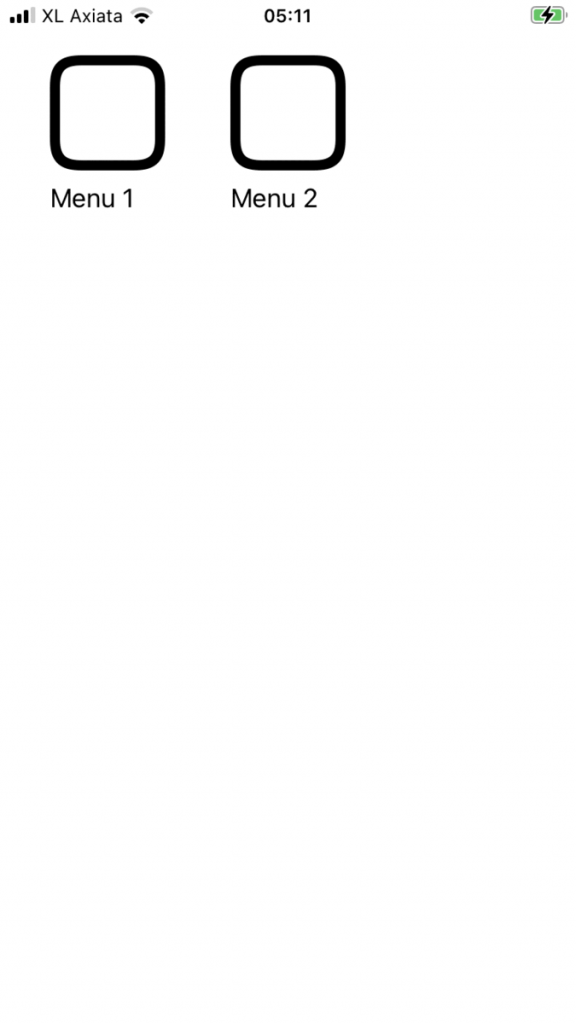
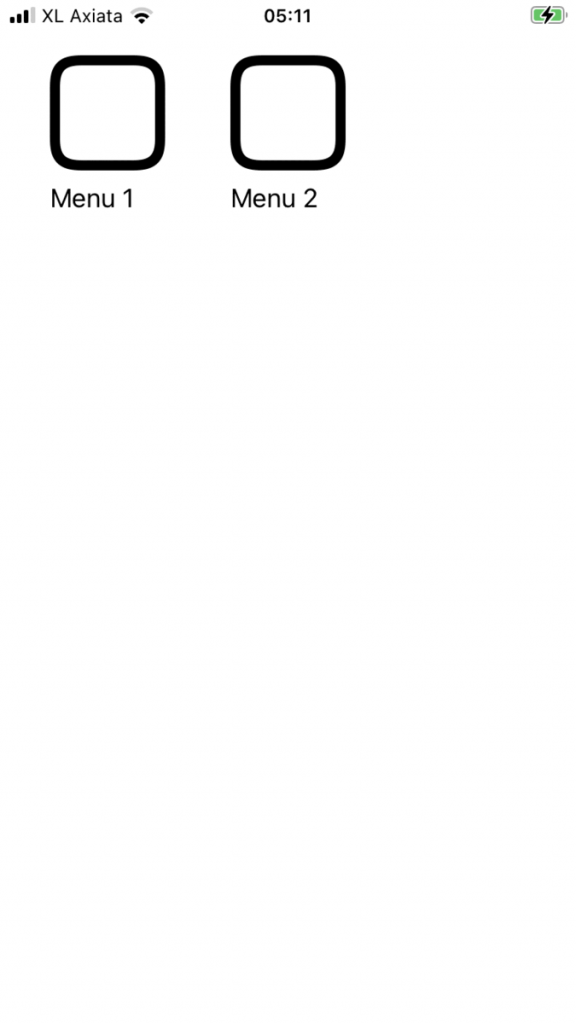
Voila, the menus now routed based on the API. so there’s no need to write the navigation link repeatedly anymore.
We are using default system icon here. but you can use your own image asset. just set it up on the API response ( it’s the logo element here )
This is applicable to the next View which is dynamically related to ACL / RBAC on the backend.
Checkout the code on my github
https://github.com/ngonar/NgonarRouting.git
Salam,
IS
Leave a Reply